


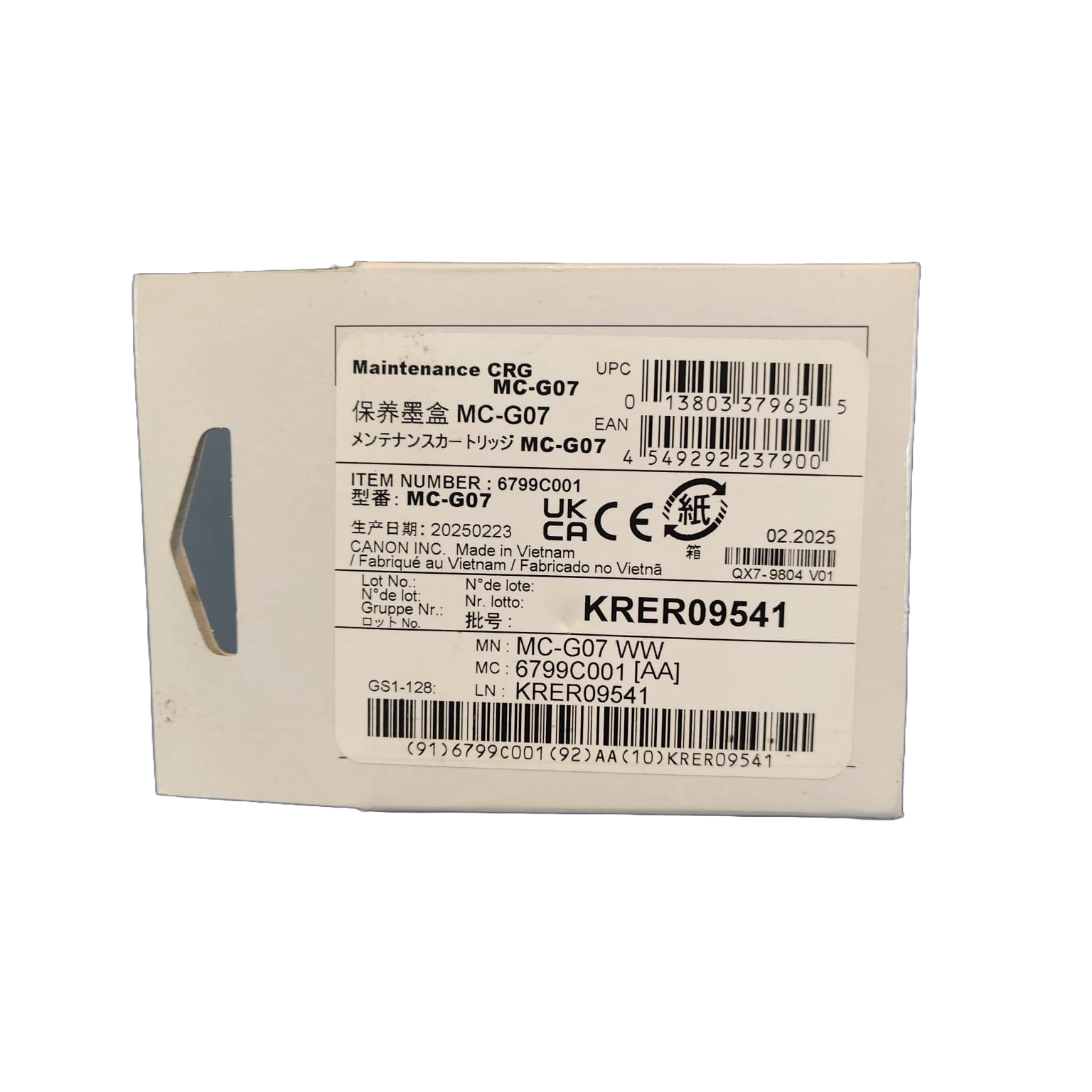


Canon MC -G07 Printer Cartridge
The Canon MC-G07 Maintenance Cartridge (model 6799C001) is a genuine maintenance solution designed to support reliable operation and longevity for compatible Canon PIXMA MegaTank and G Series inkjet printers. Its primary function is to collect excess ink generated during print head cleaning cycles and borderless printing, efficiently managing waste ink and preventing leakage or printer malfunction. The cartridge is engineered for hassle-free user replacement, allowing end users to maintain optimal printer performance without service calls or downtime. Installation is quick and straightforward, and the cartridge is recognized automatically by the printer for maintenance tracking and alerts. Compatible models include Canon G3390, G3690, G3680, G4680, G4280, and G3290, among others. Manufactured for durability and precision, the MC-G07 helps keep your MegaTank printer producing sharp, clean prints while minimizing maintenance disruptions.
Key Features :
| Feature | Details |
|---|---|
| Model | MC-G07 |
| Part Number | 6799C001 |
| Product Type | Maintenance/waste ink cartridge |
| Print Technology | Inkjet |
| Function | Collects and manages waste ink during cleaning and borderless printing |
| User Replaceable | Yes |
| Compatible Models | Canon G3390, G3690, G3680, G4680, G4280, G3290 and more |
| Installation | Tool-free, automatic cartridge detection |
| Packaging | Single unit per pack |
| Manufacture Origin | Japan |
FAQs:
1. What is the function of the Canon MC-G07 cartridge?
The MC-G07 is a maintenance cartridge that collects excess ink generated during print head cleaning cycles and borderless printing, helping maintain optimal printer operation and prevent ink overflow or leakage.
2. Which printers are compatible with the MC-G07 maintenance cartridge?
It is compatible with select Canon PIXMA MegaTank models, including G3290, G4280, G3390, G3690, and other G series printers. Always check your printer’s manual or Canon’s website for compatibility.
3. How do I know when the cartridge needs to be replaced?
Your printer will display a warning or error message on the LCD screen when the cartridge is nearly full or completely full. Printing is stopped until the maintenance cartridge is replaced with a new one.
4. Can I replace the MC-G07 cartridge myself?
Yes, the MC-G07 is designed to be user-replaceable. Simply follow the prompts on your printer’s display and use the instructions in the printer manual for safe replacement.
5. What precautions should I take when replacing the cartridge?
Handle the used maintenance cartridge carefully, keeping it upright and avoiding tilting or turning it upside down to prevent ink spills. Place the old cartridge in the plastic bag supplied with the new one and seal it tightly. Avoid touching the terminals or the opening of the cartridge.
6. Are these products original and authentic?
Yes 100%. We only sell genuine, original Canon MC-G07 Printer Cartridge sourced directly from authorized brands and distributors. No replicas, no counterfeits, ever.


Reviews
There are no reviews yet.