

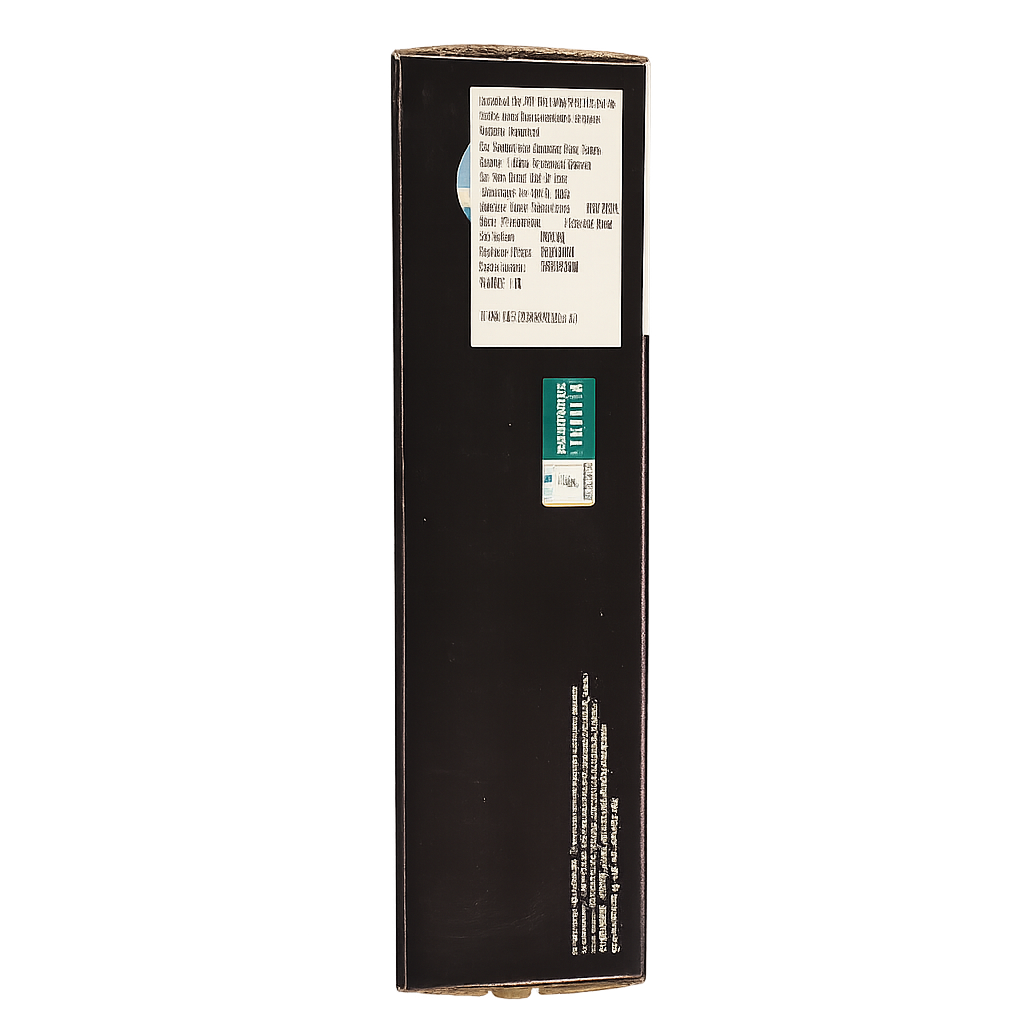
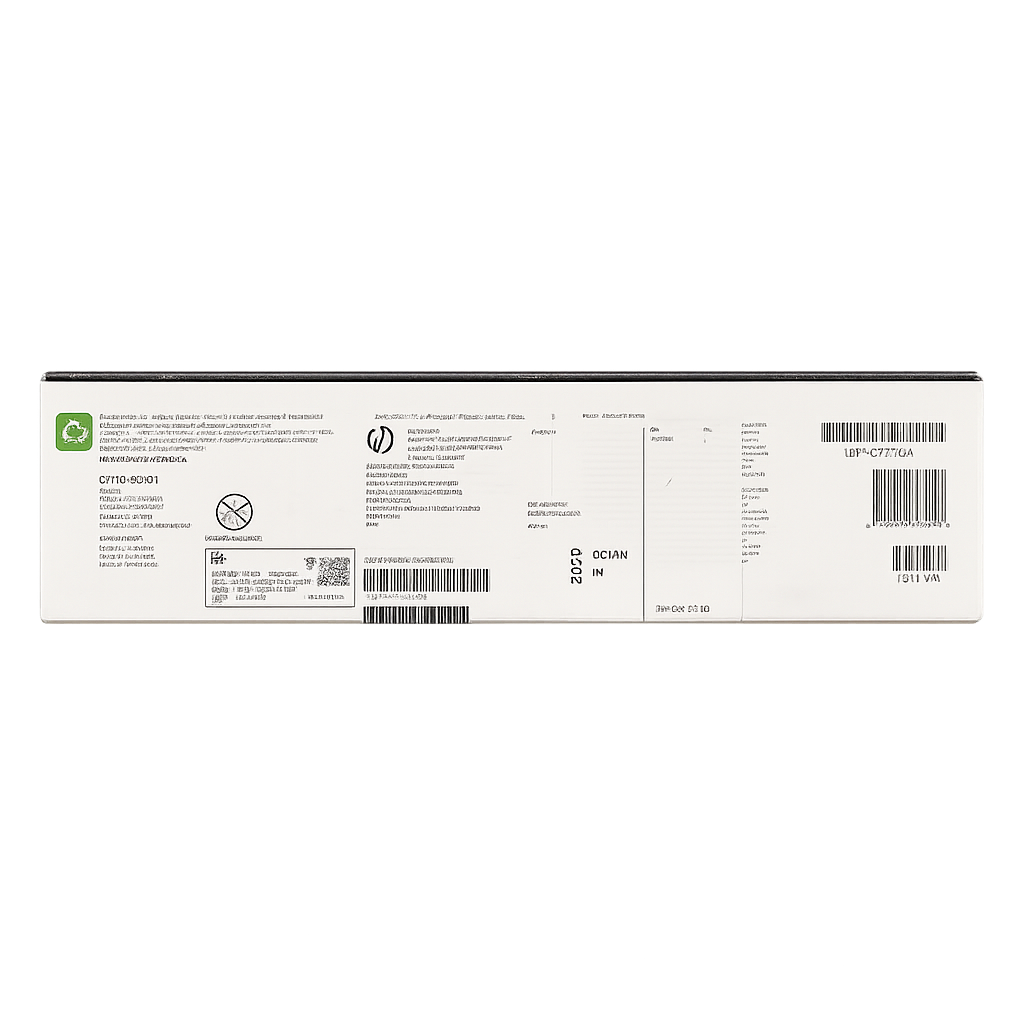


HP 19A Original LaserJet Imaging Drum
The HP 19A Original LaserJet Imaging Drum (CF219A) is a genuine HP maintenance unit that transfers toner onto paper during printing. Unlike toner cartridges that supply toner, this drum interacts with toner to form the actual image on each page. Designed for select HP LaserJet Pro models, it’s engineered for consistent, crisp black-and-white prints and optimized for professional office use.
Original HP drums are built to exact factory tolerances and tested to ensure reliable performance throughout their rated life. Using an authentic HP drum helps reduce print errors, prevent streaks or smudges, and prolong overall printer health by maintaining proper toner adherence and paper handling.
Key Features & Specifications
| Attribute | Details |
|---|---|
| Product Name | HP 19A Original LaserJet Imaging Drum (CF219A) |
| Product Type | Imaging Drum / Maintenance Kit |
| Print Technology | Laser |
| Color | Black |
| Page Yield | ~12,000 pages (ISO/IEC 19752 standard) |
| Compatible Printers | HP LaserJet Pro M102a, M102w, MFP M130a, MFP M130nw, and similar models |
| Print Quality | Sharp black text & crisp graphics |
| Durability | Designed for long service life with consistent output |
| Installation | Quick, easy replacement design |
| Environmental | Recyclable via HP Planet Partners program |
| Operating Temp Range | Approx. 15–32.5 °C |
| Operating Humidity | Approx. 20–80 % RH |
| Packaging Dimensions | ~365 × 97 × 102 mm |
| Package Weight | ~0.42 kg |
| Warranty | HP Premium Protection Warranty |
| OEM Code | CF219A |
Frequently Asked Questions (FAQs)
1. What does the imaging drum do?
The imaging drum receives toner from the cartridge and transfers it onto paper to form text and images. It’s essential for high-quality laser printing and typically lasts longer than toner cartridges.
2. How often should the HP 19A drum be replaced?
HP rates this drum at about 12,000 printed pages under standard conditions, but actual life varies with usage patterns. Replace it when print quality drops (streaks, smudges, or faded areas).
3. Can I install it myself?
Yes. The imaging drum is designed for easy, tool-free replacement, and instructions are provided in the packaging.
4. Why should I use an original HP drum rather than a generic one?
Original HP drums are engineered to work seamlessly with HP printers, delivering consistent quality, fewer print errors, and reliable operation. Non-original parts may cause issues like poor adhesion or device errors.
5. Will this drum fit my printer model?
It’s compatible with several HP LaserJet Pro models — double-check your printer’s manual or HP’s official supplies compatibility list to ensure fit. Common compatible models include M102 and M130 series.


Reviews
There are no reviews yet.